
How SMS Reminders Reduce Tattoo No-Shows

Your phone buzzes. It's a reminder about your tattoo appointment tomorrow. Without it, you might have forgotten. That's exactly what your clients are thinking too-and most of them won't blame themselves. They'll just no-show.
The solution? Automated SMS reminders. They're simple, visible, and useful when clients book weeks in advance. Here's how the workflow works and why every tattoo artist should consider it.
The No-Show Problem in Tattooing
Let's face it: tattoo no-shows are brutal. You block out 3 hours, prep your station, maybe even turned down another client-and then nobody shows up. No call. No text. Just silence.
Manual booking makes no-shows harder to prevent because reminder timing depends on the artist remembering to send every message. The more appointments you juggle, the easier it is for a client to miss the details.
- Forgotten appointments: clients lose track of dates booked weeks out
- Lost income: empty chair time is hard to recover last minute
- Admin drag: manual reminder work competes with drawing and tattooing
But here's the kicker: most no-shows aren't intentional. Clients genuinely forget. Life gets busy. They had the date in their calendar but didn't check it. A simple reminder solves this-and it takes almost no effort on your part.
Why SMS Beats Email Every Time
You've probably tried email reminders before. They help, but text messages are often more visible for appointment reminders:
SMS vs. Email Reminders
- Visibility: SMS lands where clients already see appointment details
- Speed: clients can reply or reschedule without opening an inbox
- Delivery: SMS stays useful when email gets buried
- Convenience: reminders appear alongside the rest of a client's daily notifications
When a text message pops up on someone's phone, they see it. It's personal, immediate, and hard to ignore. That's exactly what you need for appointment reminders.
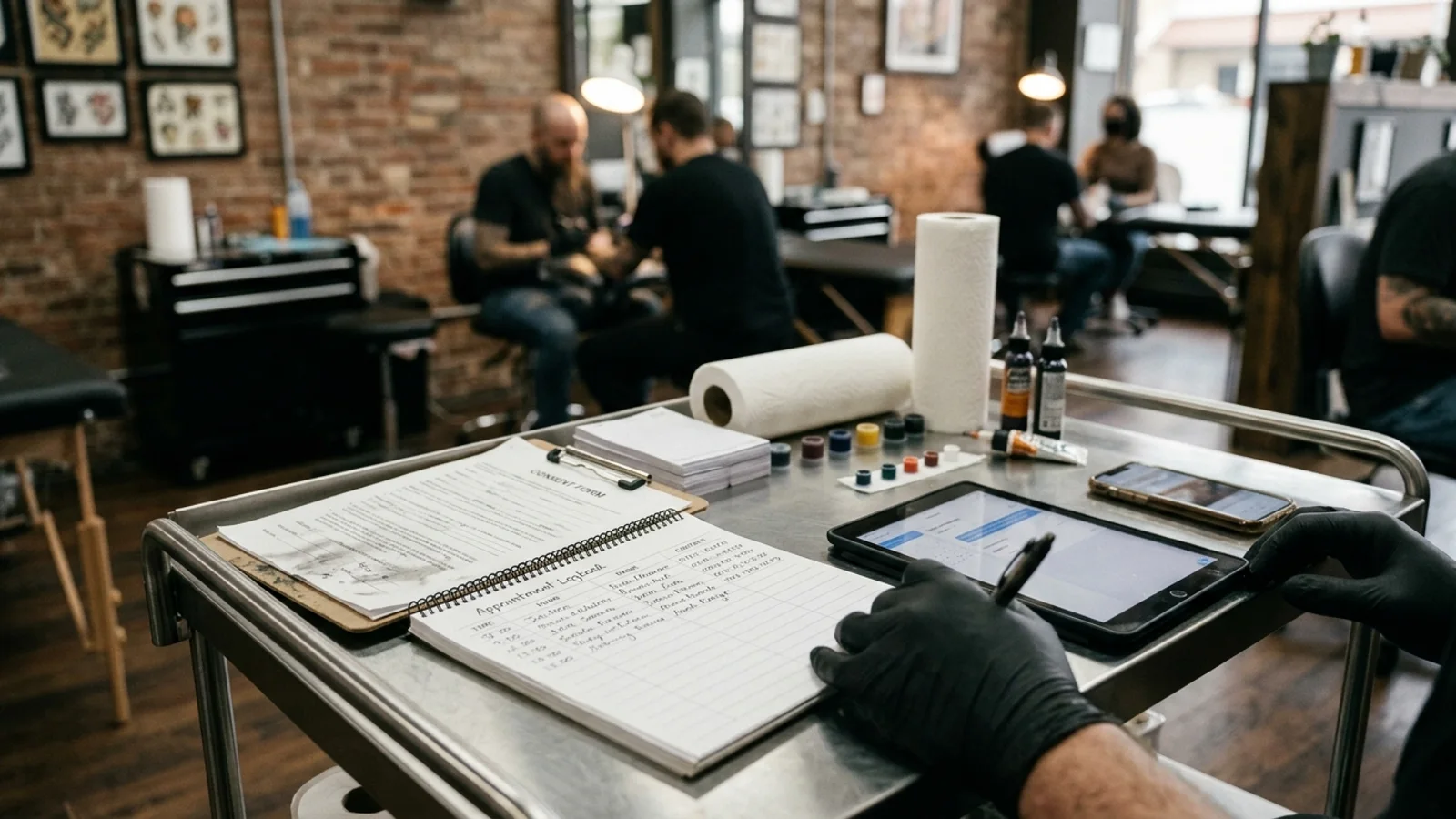
Automated SMS reminders are personalized, timely, and require zero effort from you.
The Workflow: How SMS Reduces No-Show Risk
A good reminder sequence gives clients multiple chances to confirm, reschedule, or ask a question before the appointment becomes a no-show.
Reminder Cadence
- 48-hour reminder: confirms the appointment while there is still time to reschedule
- 2-hour reminder: brings the appointment back to the top of the client's day
- 30-minute reminder: helps with arrival timing and last-minute directions
- Combined reminders: create a clear sequence instead of a single easy-to-miss message
The magic isn't just in one reminder-it's in the sequence. A combination of a 48-hour reminder and a 2-hour reminder gives clients multiple opportunities to remember, reschedule, or confirm.
What to Include in Your SMS Reminders
Not all reminders are created equal. Here's what the most effective tattoo appointment reminders include:
48-Hour Reminder
- Client's name (personalization)
- Appointment date and time
- Location/studio address
- Deposit status (remind them it's non-refundable)
- Link to reschedule if needed
2-Hour Reminder
- Quick, friendly tone
- Final reminder
- Address and directions
- What to bring (ID, deposit balance, etc.)
Sample SMS Templates
Here are ready-to-use templates you can customize for your booking system:
48-Hour Reminder
"Hi [NAME]! Just a reminder: your tattoo appointment is this [DAY] at [TIME] at [STUDIO]. Your deposit of $[AMOUNT] is confirmed. Reply RESCHEDULE if you need to change plans. See you soon! - [ARTIST NAME]"
2-Hour Reminder
"Hey [NAME]! Your tattoo is in 2 hours at [TIME]. Address: [ADDRESS]. Bring your ID and any remaining balance. Reply if you have any questions! - [ARTIST NAME]"
LVL2 sends automated SMS reminders at 48 hours and 2 hours before every appointment.
The ROI of SMS Reminders
Let's do the math on SMS reminders. Assume:
- 25 appointments per month
- 18% no-show rate (average without reminders)
- $250 average appointment value
Without SMS reminders:
- Multiple no-shows can stack up across a month
- Lost revenue compounds when empty slots cannot be refilled
- The hidden cost is both income and schedule confidence
With SMS reminders:
- Clients get multiple prompts before the appointment
- You can catch confusion before the client misses the session
- The shop gets a steadier, more predictable calendar
The practical win: fewer preventable empty blocks.
That's the value of a reminder system that runs without you rebuilding the checklist every week.
How to Set Up SMS Reminders
If you're using LVL2, SMS reminders are already built in. Here's how it works:
- Enable reminders in settings: Turn on automated SMS in your dashboard
- Customize timing: Set your preferred reminder intervals (we recommend 48 hours + 2 hours)
- Personalize your messages: Add your name, studio location, and any special instructions
- Done: LVL2 sends reminders automatically for every booking
No extra apps. No manual sending. No additional cost per message. It's all handled for you.
What About Consent?
A quick note on SMS compliance: in the US, you need explicit consent before sending marketing texts. However, transactional reminders (appointment confirmations and reminders) are generally permitted under TCPA as long as:
- The client provided their phone number for the booking
- The messages are directly related to the service they booked
LVL2 handles all of this automatically. When clients book, they opt-in to receive appointment-related messages. No extra steps needed.
The Bottom Line
SMS reminders are one of the highest-leverage workflow improvements you can make in your tattoo business because they protect time you already worked to book.
If you're still manually chasing clients or relying on email reminders that nobody reads, you're leaving money on the table. Automated SMS is the obvious solution.
Stop Losing Clients to Forgetfulness
LVL2 supports automated appointment reminders so clients get timely prompts before they miss a session.
Start FreeFree forever • No credit card required